See who changed a policy, and when
You can review a policy’s version history and approval trail to see what happened to it and who was involved. If you need to know who changed the policy, you may also need the redline, because the version list and the approval trail are different records.
Before you start
- You must be signed in.
- You need
documents.readon the policy’s document. This permission is hierarchical, so a grant at the target node or any ancestor of it can satisfy it.
Steps
- Open the policy’s document page.
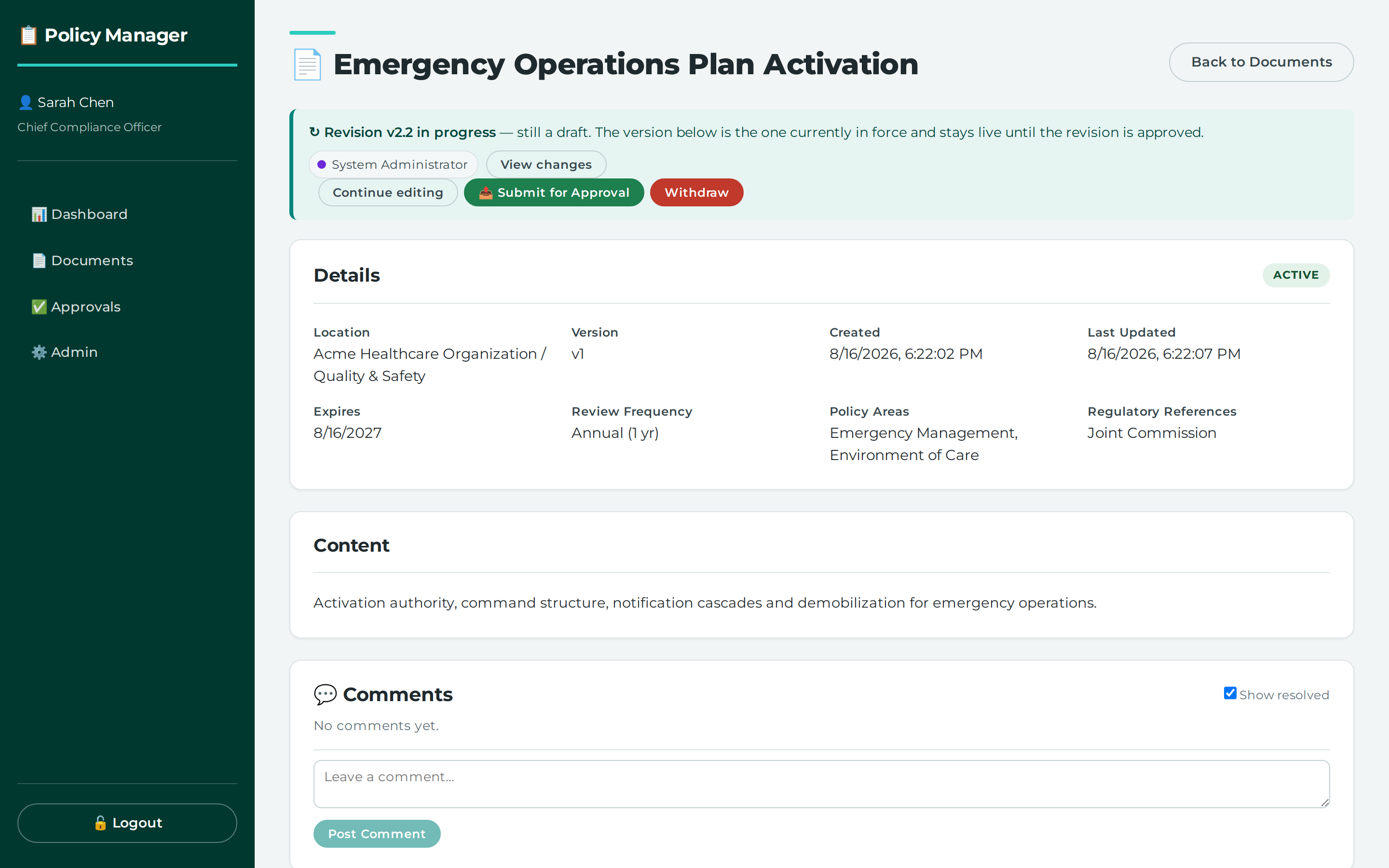
- Review the document history to see the complete immutable audit trail for the document.
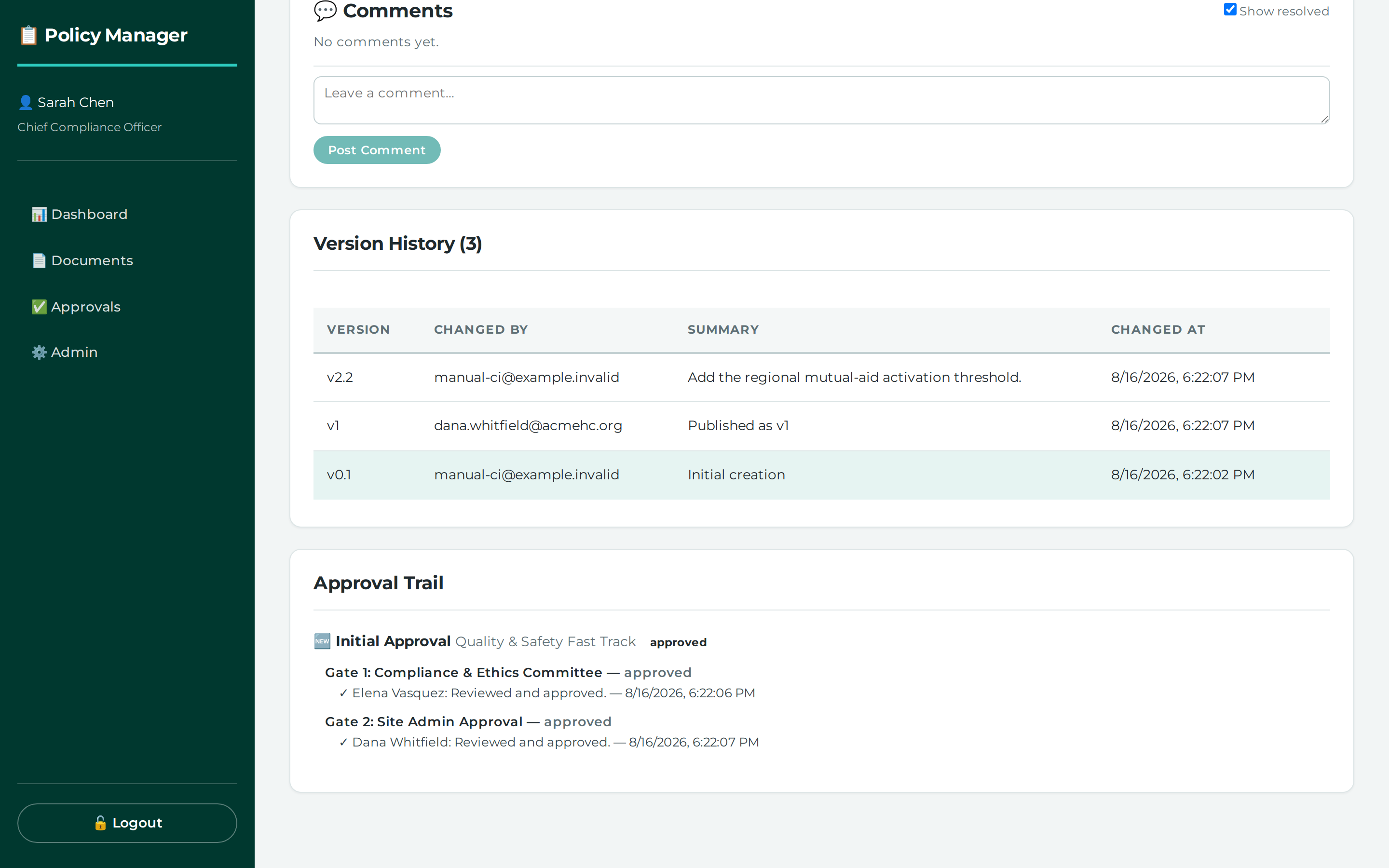
- Review the document workflow history to see every workflow instance the document has had, every cycle of every gate, and every action, including approvals and returns, with the category and actor snapshots.
- If you need to see what changed in the document itself, open the document redline.
- If you need to see what was frozen at publish, open the version redline for the relevant version.
What this does
The application stores separate records for document history, workflow history, and redlines.
- Document history is the complete immutable audit trail for the document.
- Workflow history records the workflow trail, including approvals and returns.
- The redline shows the changes in the document itself, and it attributes individual insertions and deletions to the person who made them.
- The version redline is the redline frozen at publish, showing exactly what the approvers signed off on.
Common problems
- The records do not specify which screen shows document history or workflow history. The endpoints exist and are reachable in the UI, but the screen path is not given.
- The records do not specify which screen shows the redline or version redline. The endpoints exist and are reachable in the UI, but the screen path is not given.
- The records do not specify how you choose the relevant version when you need the version redline.
Where this lives
/documents/:id— no menu entry; you reach DocumentViewPage by following a link from another screen
Permissions you need
| Permission | How it can be granted |
|---|---|
documents.read (Read) |
a grant at the target node or any ancestor of it |
Screenshots
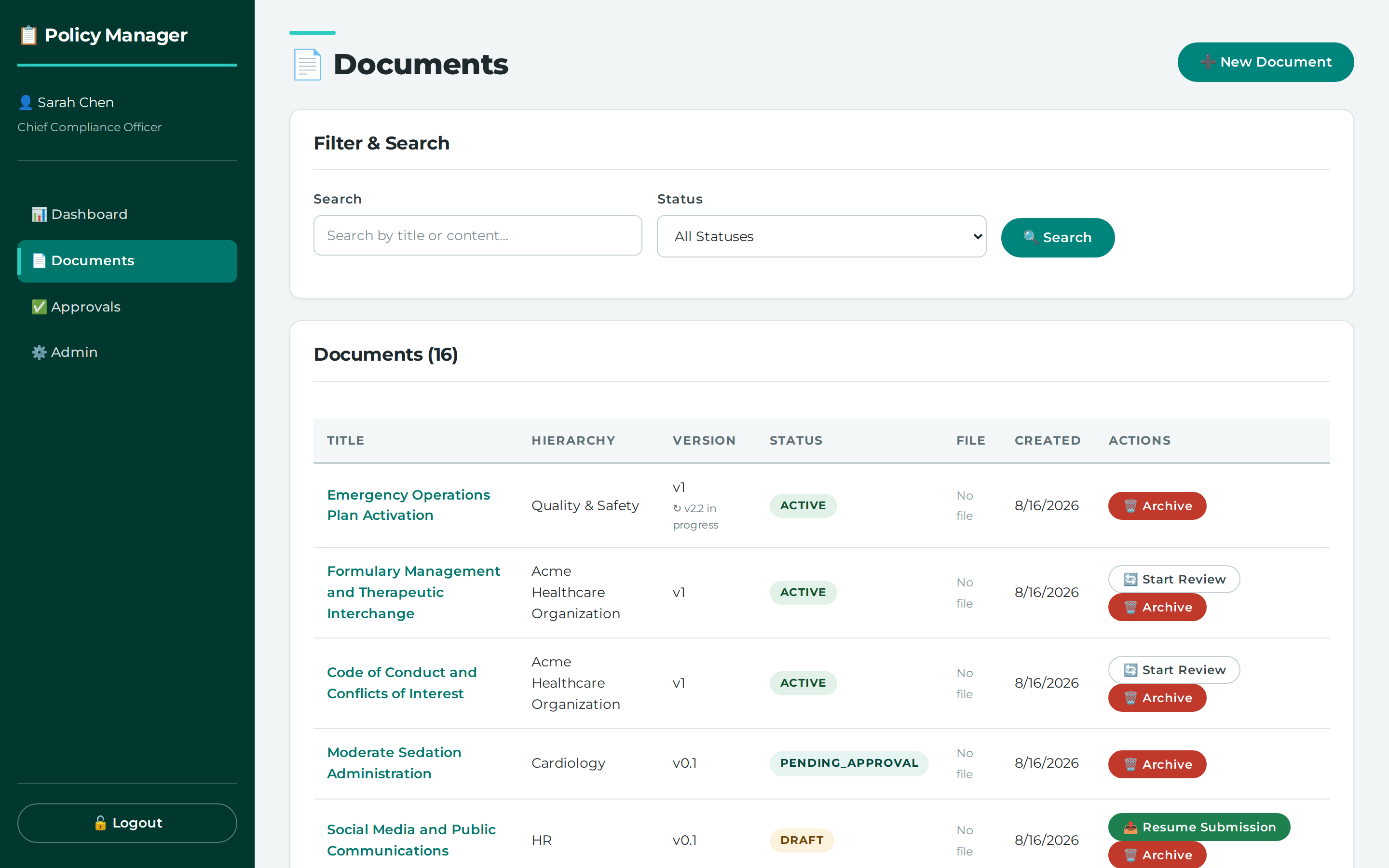
The document list is the way in to any policy's history
Every save is recorded as an immutable version
The approval trail records each gate, each cycle and who acted
Reference
API calls behind this task
- `GET /api/documents/{doc_id}/history` - `GET /api/documents/{doc_id}/redline` - `GET /api/documents/{doc_id}/versions/{version_id}/redline` - `GET /api/documents/{doc_id}/workflow-history`Didn't find your answer here? Tell us what was missing — it becomes a tracked suggestion.