Give someone edit rights on one department only
You can give a user edit rights for documents in one department by assigning them a role with the Edit documents permission at that department’s hierarchy node. A grant at a node covers that node and everything beneath it, so the user will be able to edit documents in that department and any lower nodes under it.
Before you start
- You must be signed in.
- You need the Users area, which is under ⚙️ Admin > 👥 Users.
- To create a role, you need the users:create dependency permission.
- To change role permissions, assign a role, or remove a role assignment, you need the users:update dependency permission.
- The Edit documents permission is hierarchical, and it is satisfied by a grant at the target node or any ancestor of it.
Steps
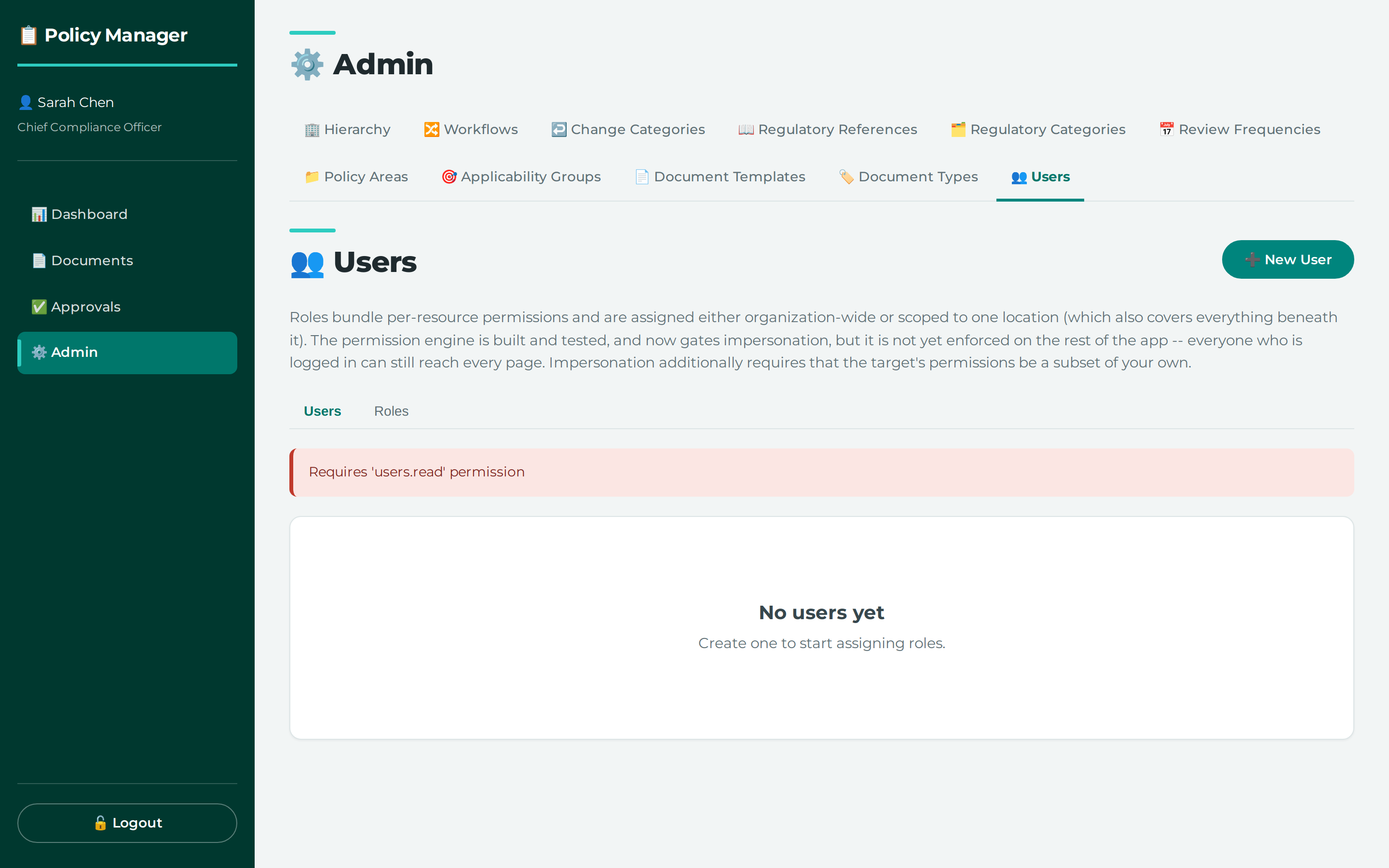
- Open ⚙️ Admin > 👥 Users.
- Create or choose a role that includes Edit documents.
- Set that role’s Edit documents permission for the department’s hierarchy node.
- Assign that role to the user, scoped to the same hierarchy node.
What this does
The application treats Edit documents as a hierarchical permission. That means a grant at the department node applies to that node and everything beneath it. If you assign the role without a hierarchy node, the grant is organisation-wide instead.
Common problems
- If you need to remove one role grant, the application removes the specific role assignment, not the role name alone. The same user can hold the same role at several nodes, so the assignment is removed by its own id.
- The records do not specify how you choose the department node in the interface.
[!CLARIFY] How do you select the hierarchy node for the role permission or role assignment in the Users screen?
Where this lives
- ⚙️ Admin → 👥 Users —
/admin/users
Permissions you need
| Permission | How it can be granted |
|---|---|
users.create (Add) |
an organization-wide grant only (hierarchy_node_id NULL) |
users.update (Edit) |
an organization-wide grant only (hierarchy_node_id NULL) |
Screenshots
Users, their roles, and the scope each role was granted at
Reference
API calls behind this task
- `POST /api/roles` - `PUT /api/roles/{role_id}/permissions` - `DELETE /api/users/{user_id}/role-assignments/{assignment_id}` - `POST /api/users/{user_id}/roles`Didn't find your answer here? Tell us what was missing — it becomes a tracked suggestion.